Features
Discover the powerful capabilities of HighlightSnap
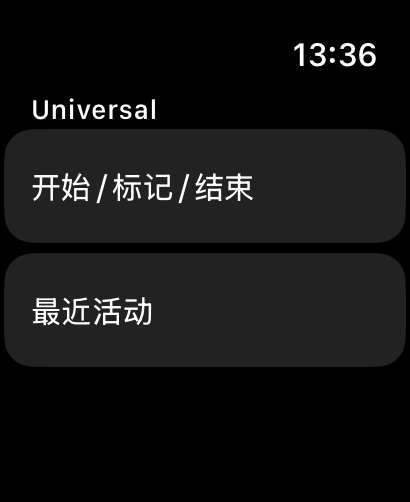
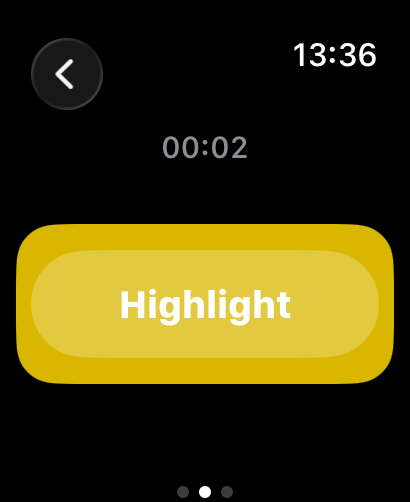
Apple Watch
Quick Marking on Your Wrist
Mark exciting moments without interrupting your activity
- One-Tap Marking: No need to take out your phone
- Custom Tags: Supports multiple activity types with 4 preset tags each
- Haptic Feedback: Clear vibration for every mark
- Real-Time Sync: Auto sync to iPhone without manual transfer
- Watch Complications: Quick launch from watch face
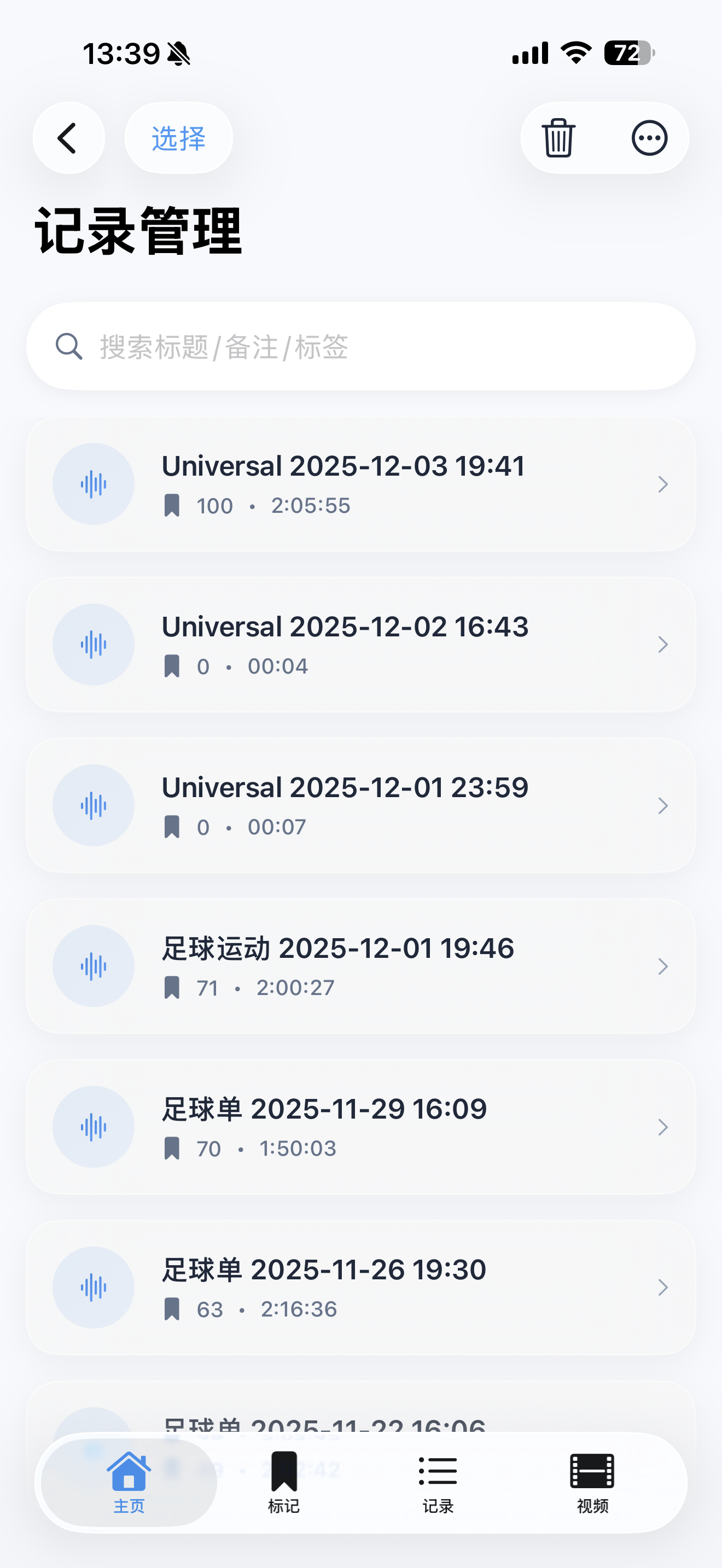
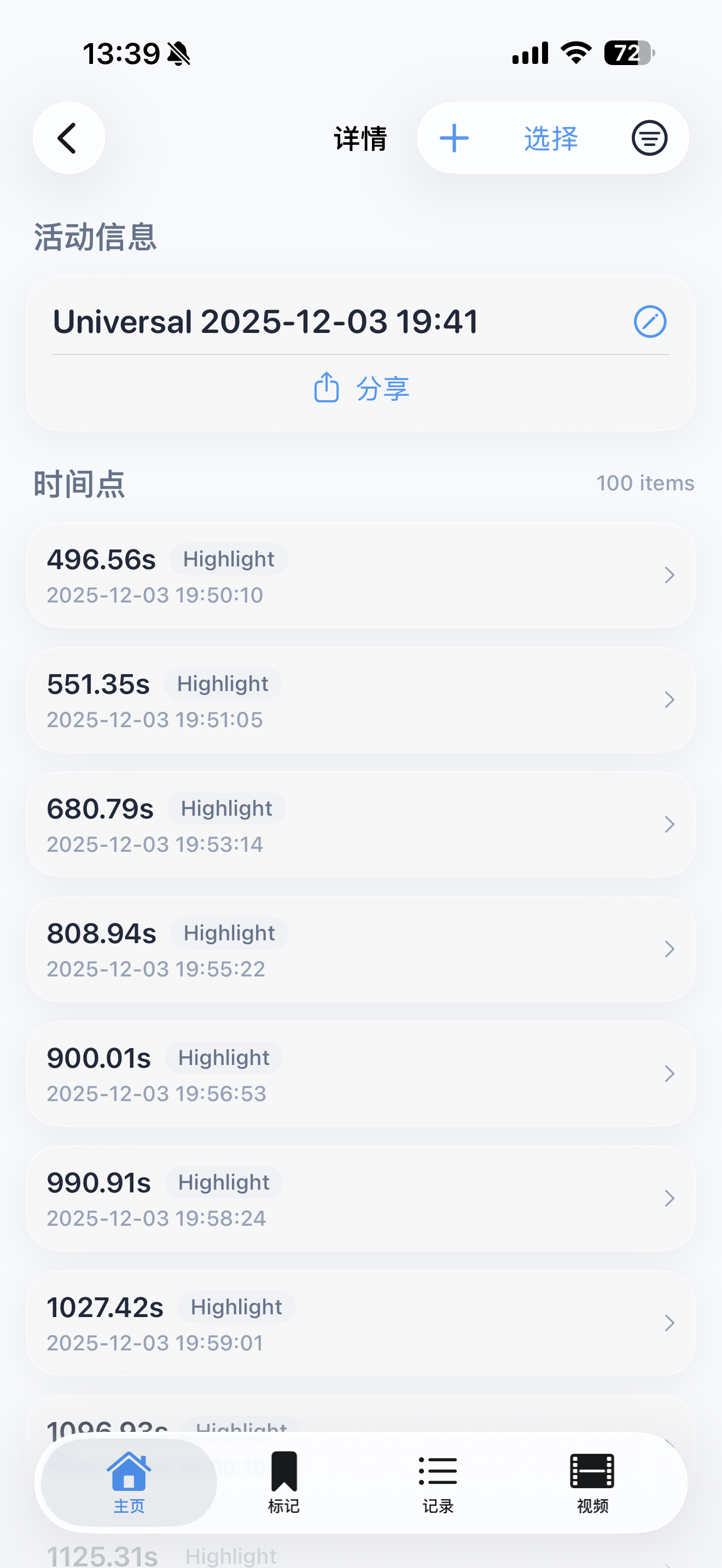
iPhone
Smart Session Management
Organize and manage all your marking sessions
- Session Management: View all sessions with complete timeline
- Multiple Export Formats: TXT, CSV, JSON for different needs
- Precise Timing: Record relative seconds and absolute time (ISO8601)
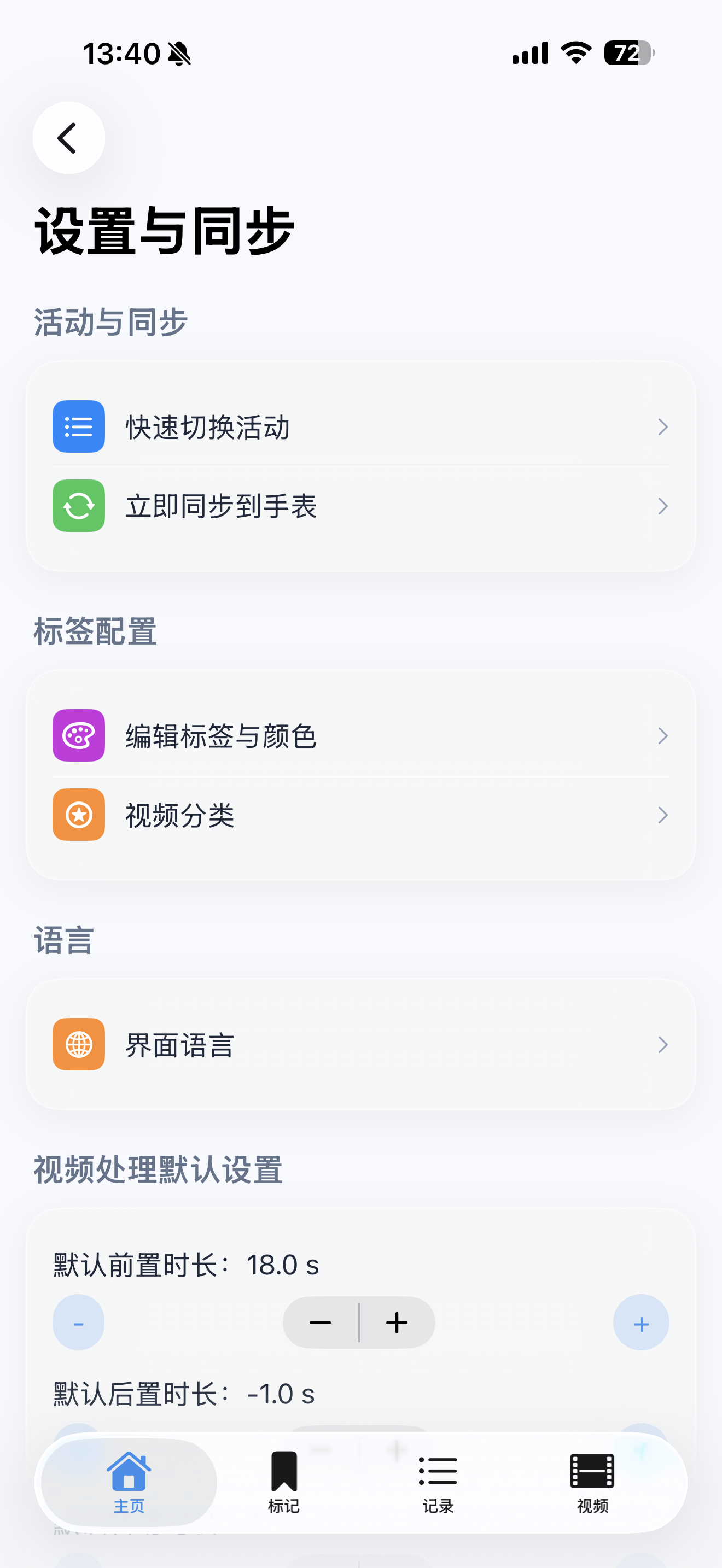
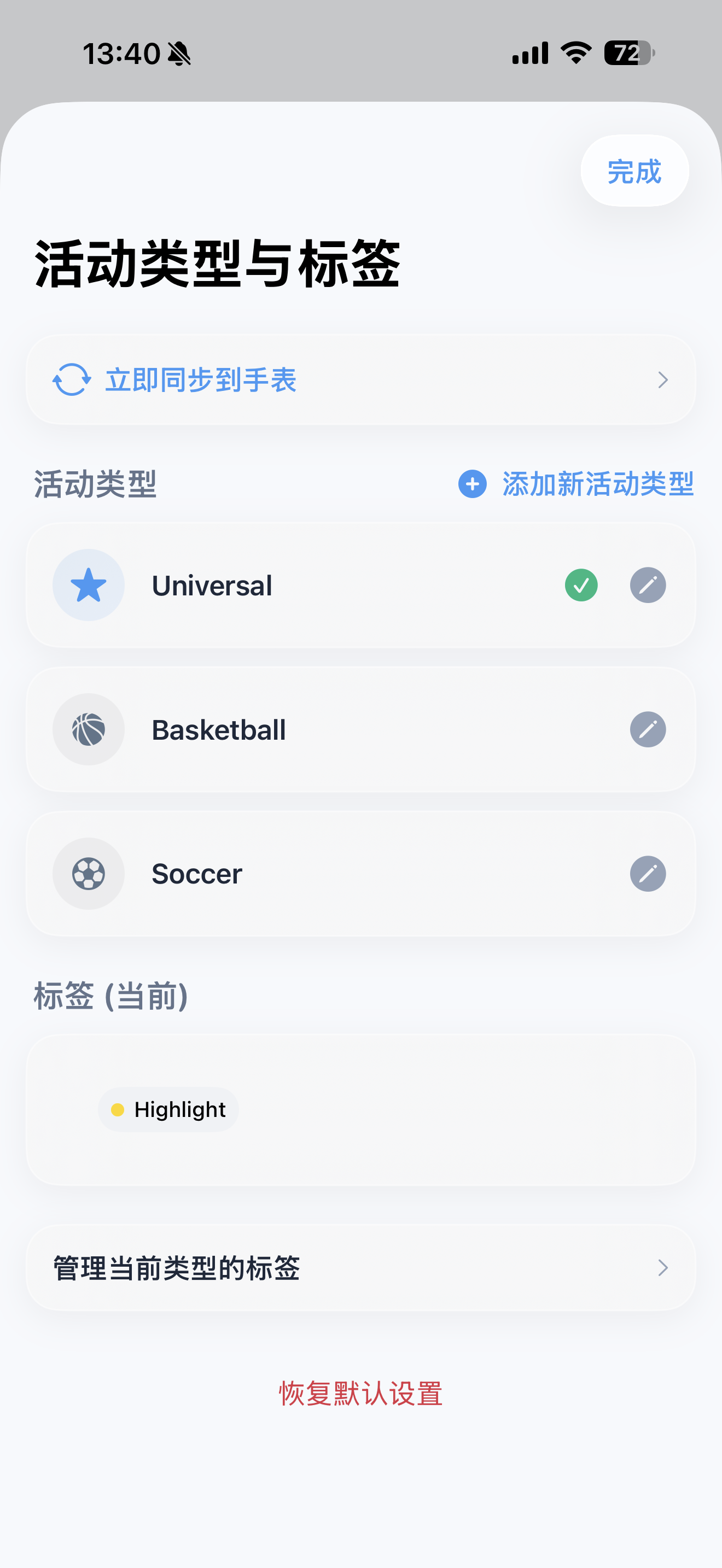
- Tag Configuration: Customize activity types, names, and colors
- Batch Operations: Multi-select, merge, share sessions
Pro Video
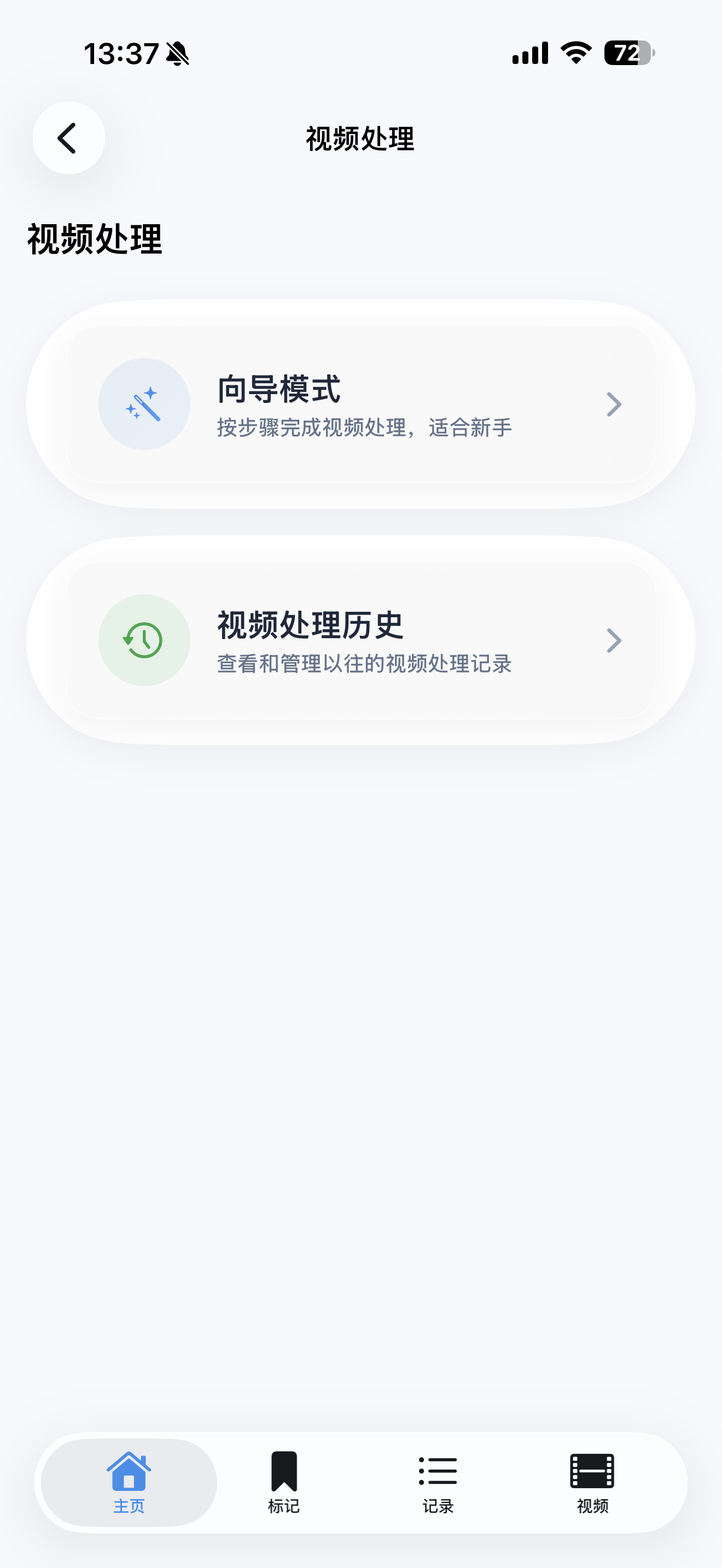
Professional Video Processing
Turn your marks into stunning highlight reels
- Smart Alignment: Precisely align video with marking timeline
- Auto Clipping: Automatically generate clips based on marks
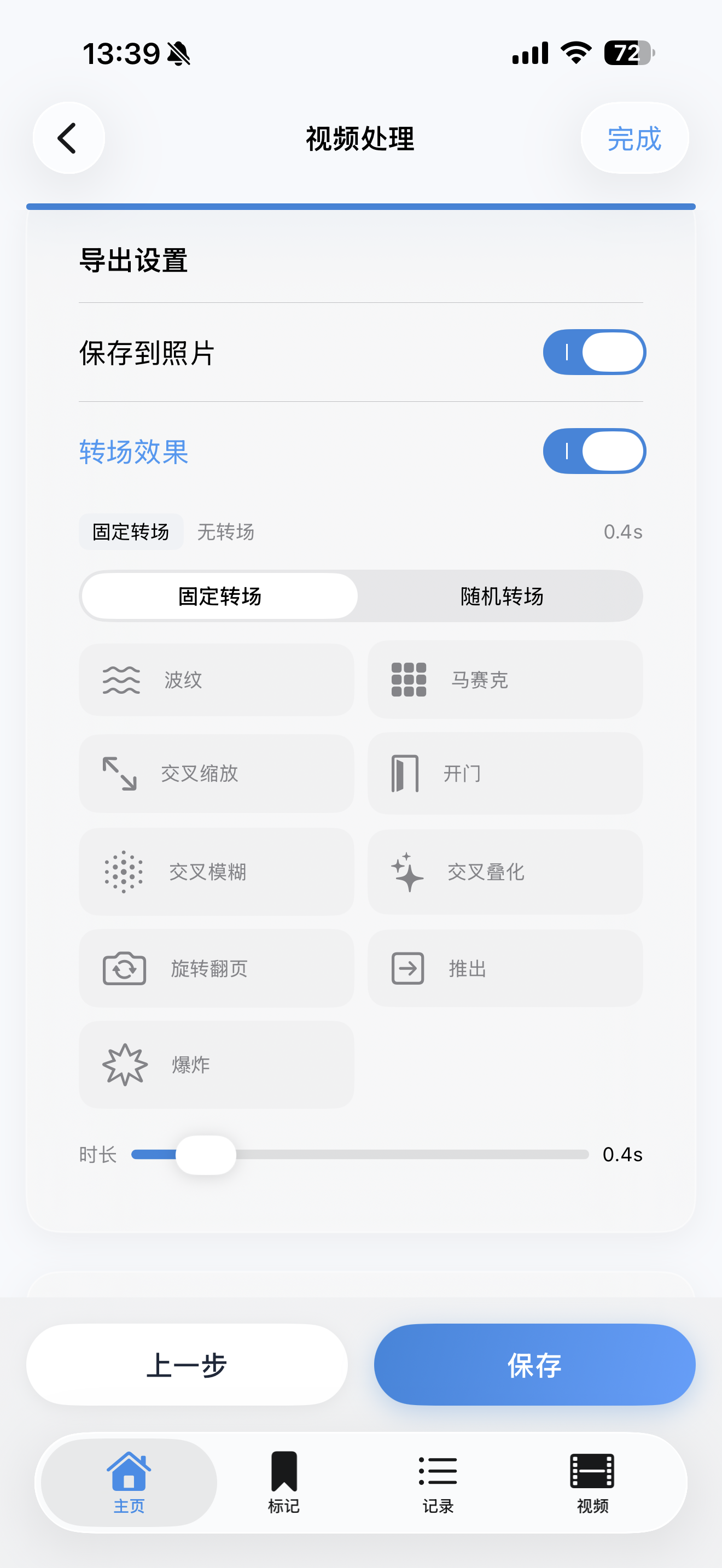
- Transition Effects 2.0: 10 professional-grade transitions
- Multi-Select Mixing: Cycle or random transition modes
- Real-Time Preview: Quick 1-3 second preview generation
10 Professional Transition Effects
Make your highlight reels more cinematic
Cross Dissolve
Push
Page Curl
Explode
Ripple
Mosaic
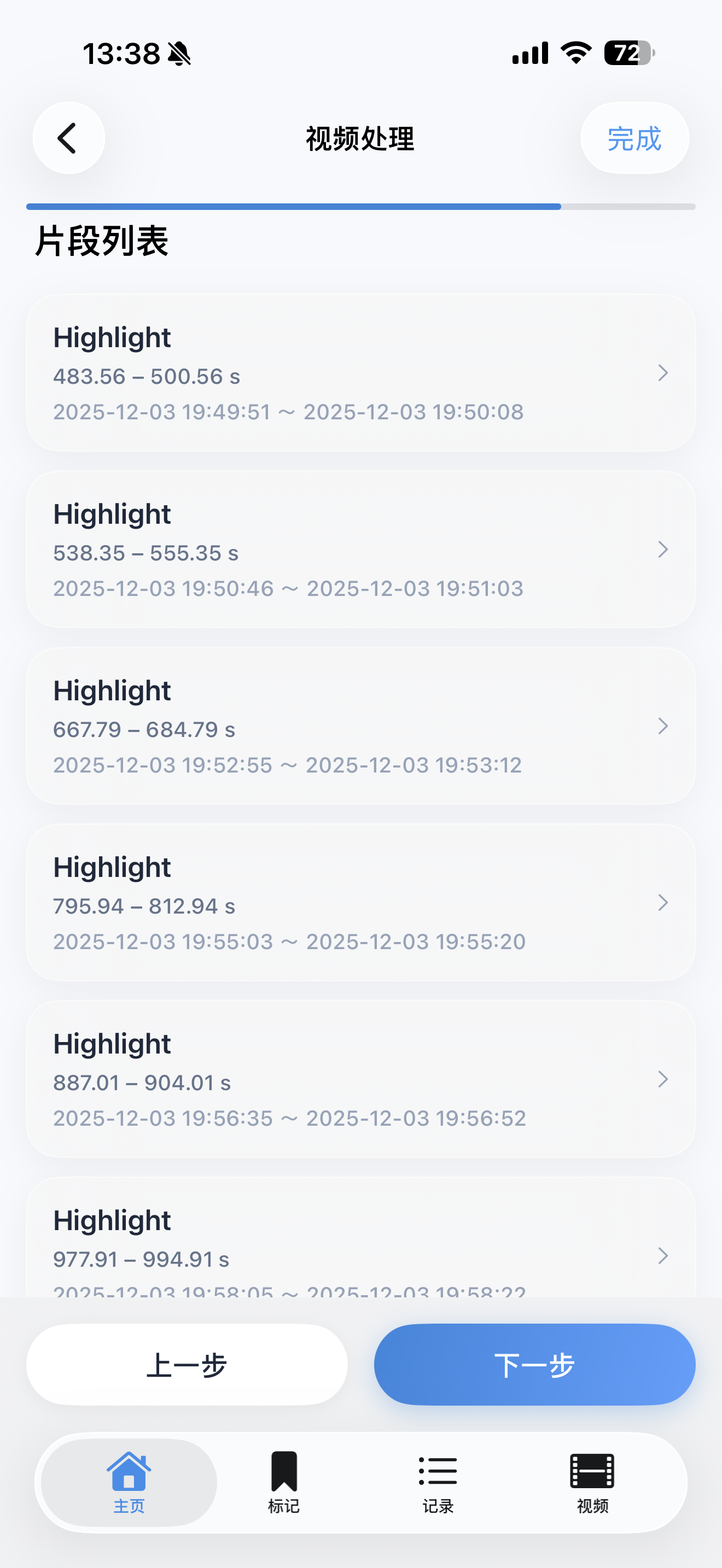
5-Step Wizard Flow
Easy to use, even for beginners
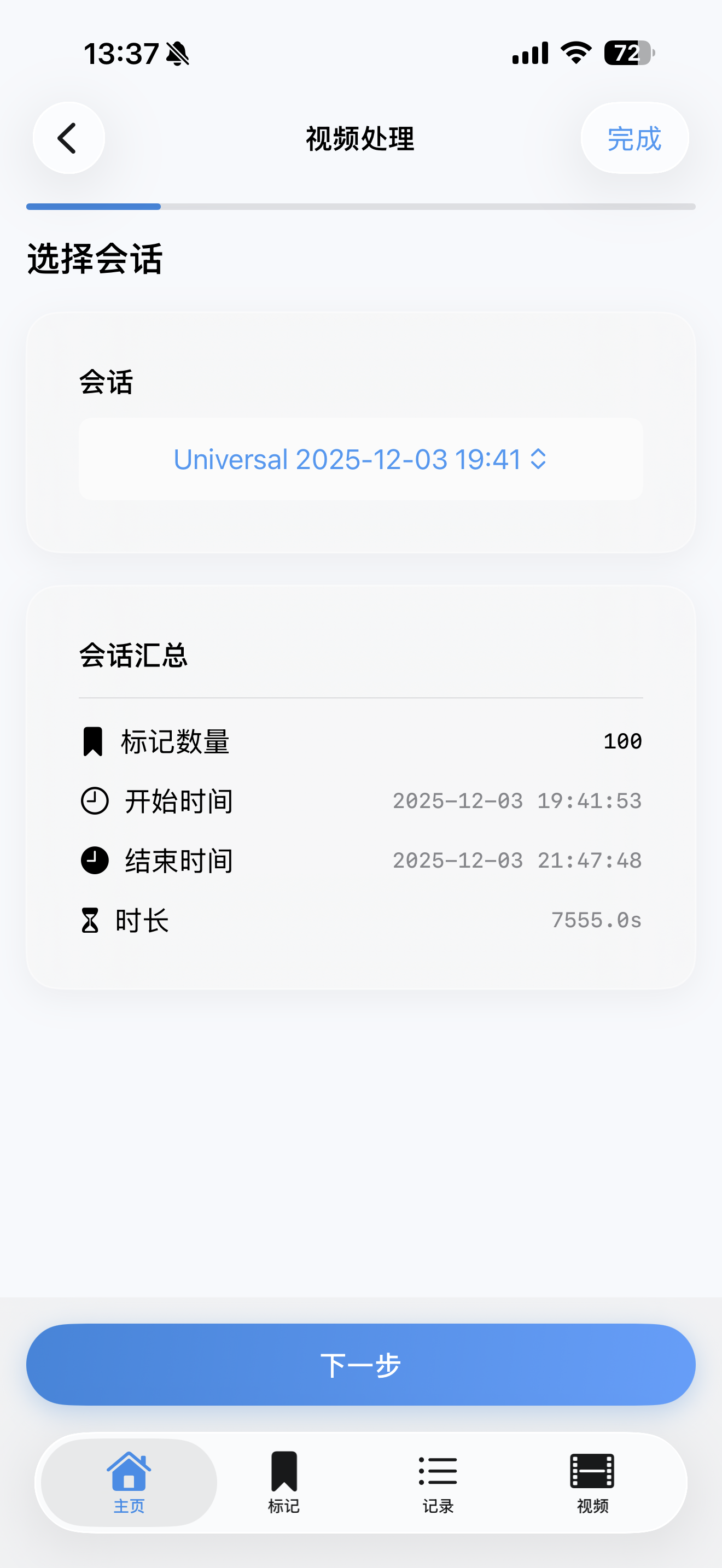
Step 1
Select Session
Step 2
Select Video
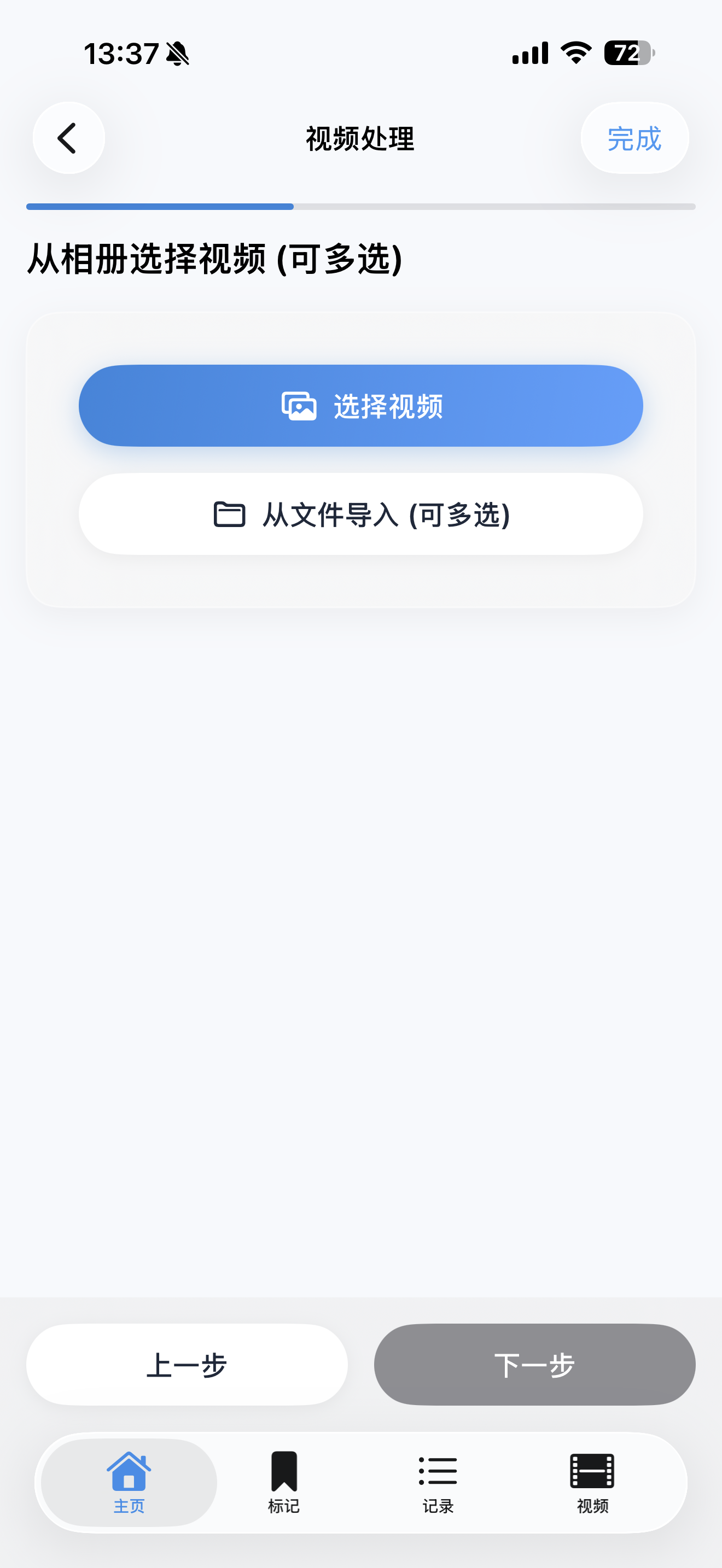
Step 3
Alignment Settings
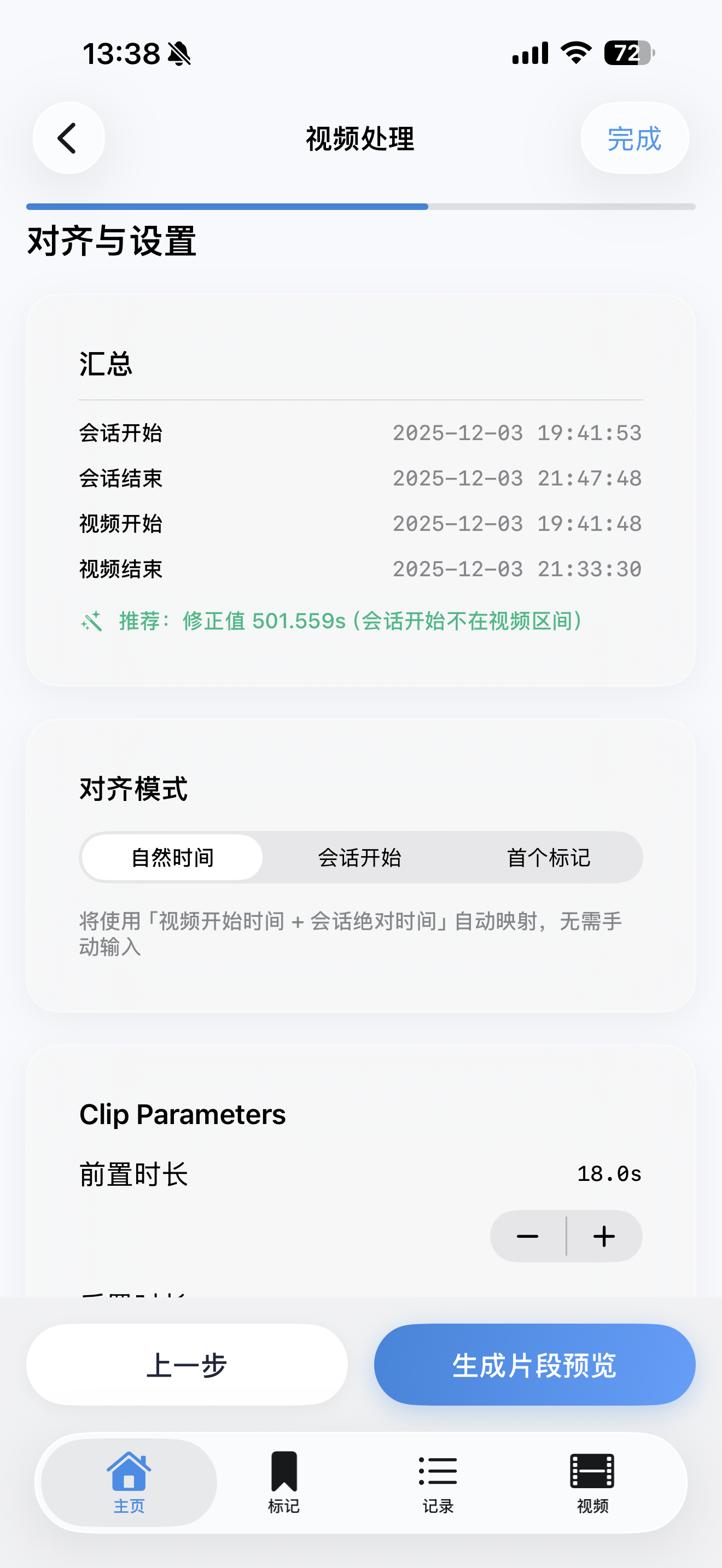
Step 4
Edit Clips
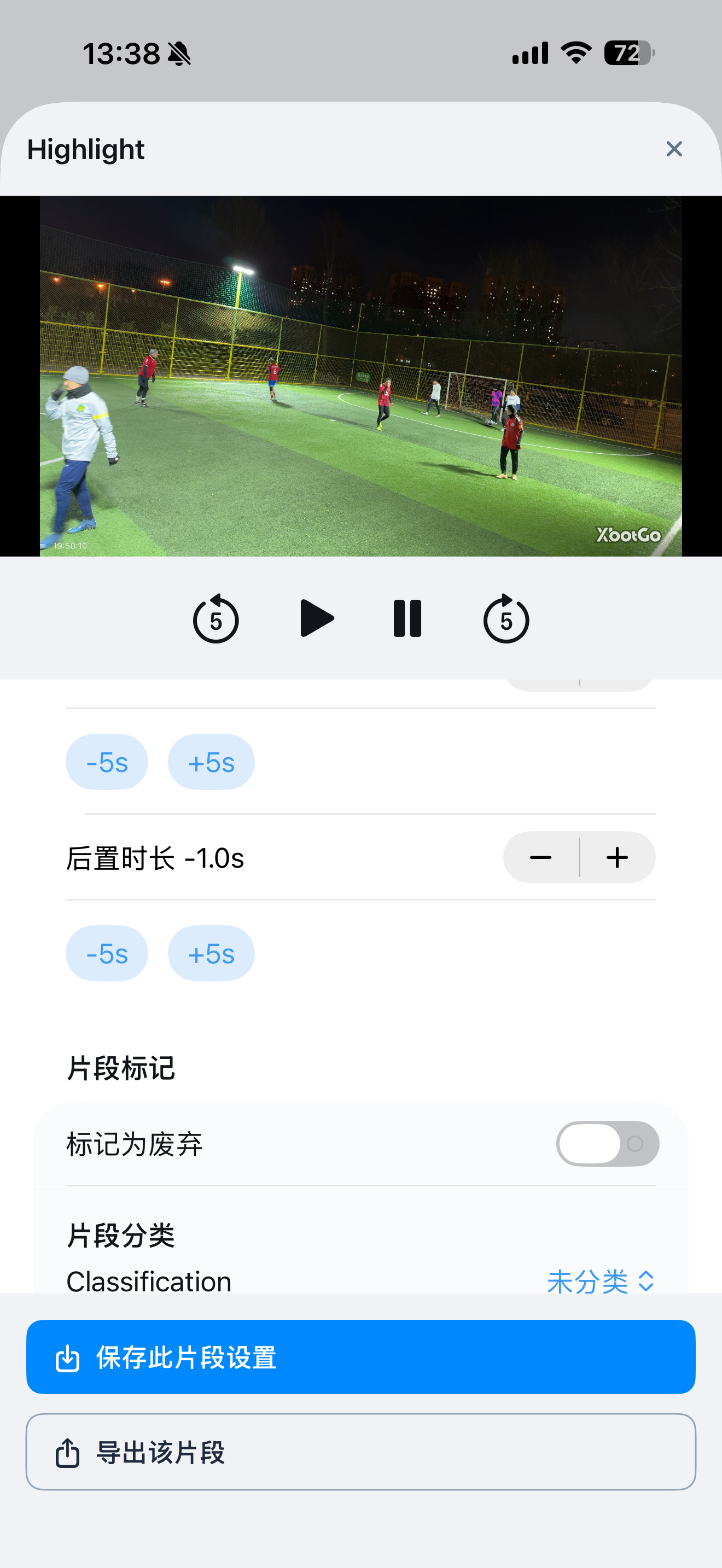
Step 5
Export Video
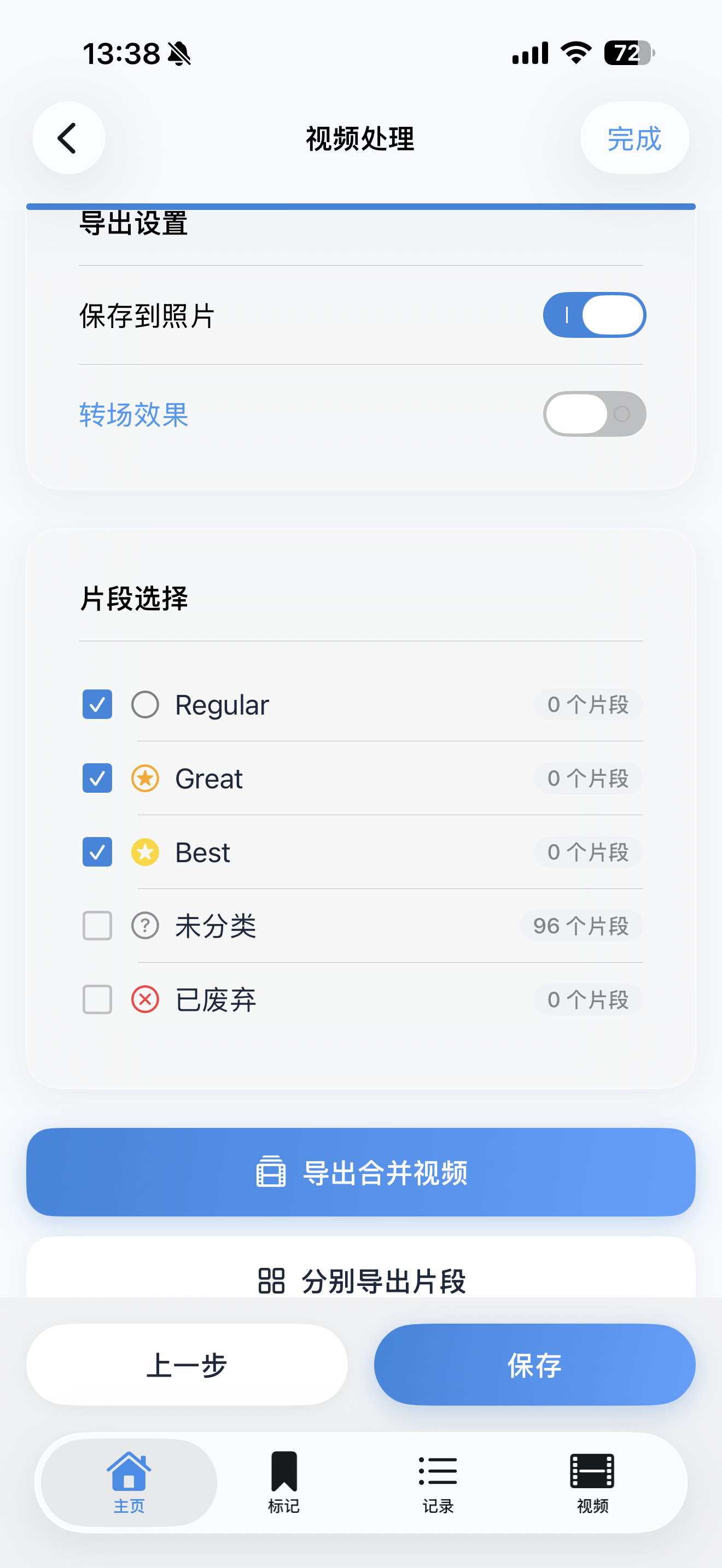
Done!
Your highlight reel is ready to share!
Settings
Flexible Configuration
Customize everything to match your workflow
- Activity Types: Create custom activities (Soccer, Basketball, etc.)
- Tag Customization: Set names, colors, and icons
- Watch Sync: One-tap sync configuration to Apple Watch
- Multi-Language: Support for 9 languages
Technical Excellence
Dual Video Track
True transition mixing effects with professional quality
Zero-Copy Architecture
Efficient video processing, supports 4K video
App Group Sharing
Real-time data sync between iPhone and Watch
Privacy First
All data stored locally, no cloud required
System Requirements
iPhone
iOS 15.0+
iPad
iPadOS 15.0+
Apple Watch
watchOS 8.0+
Ready to Capture Your Highlights?
Download HighlightSnap and start your journey